SO-CRATES
Security Onion Containerized Rapid Analysis of Threats, Evil, and Sus
A standalone web application for analyzing pcap files, log files, and binary files. Features include Suricata network analysis, YARA binary scanning, Sigma rule detection for logs, and a single-page UI for browsing alerts, metadata, transcripts, and hexdumps.
Check out the demo video and screenshots below. When you're ready to try it yourself, head to Interactive Demo or Installation.
Demo Video
A recorded walkthrough of analyzing a pcap: loading the sample file, reviewing each data type, filtering via the Aggregation Tables, and drilling into a single event's ASCII transcript and hexdump.
Screenshots
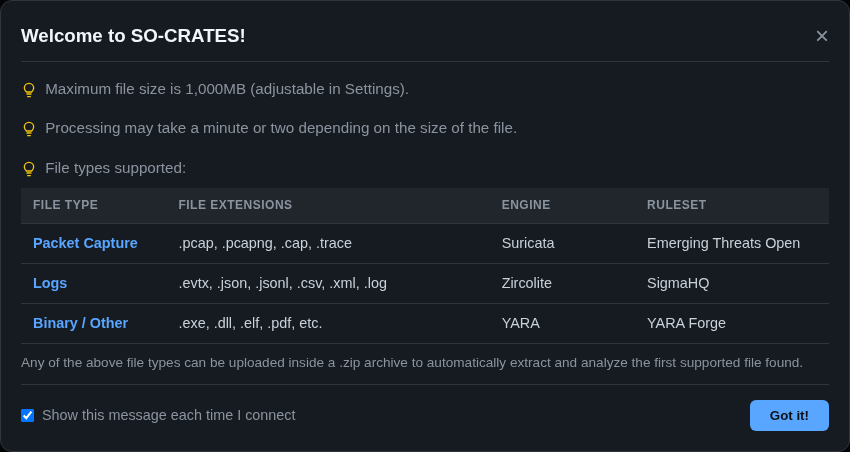
When you first connect to SO-CRATES, a welcome window will appear with an overview of SO-CRATES:
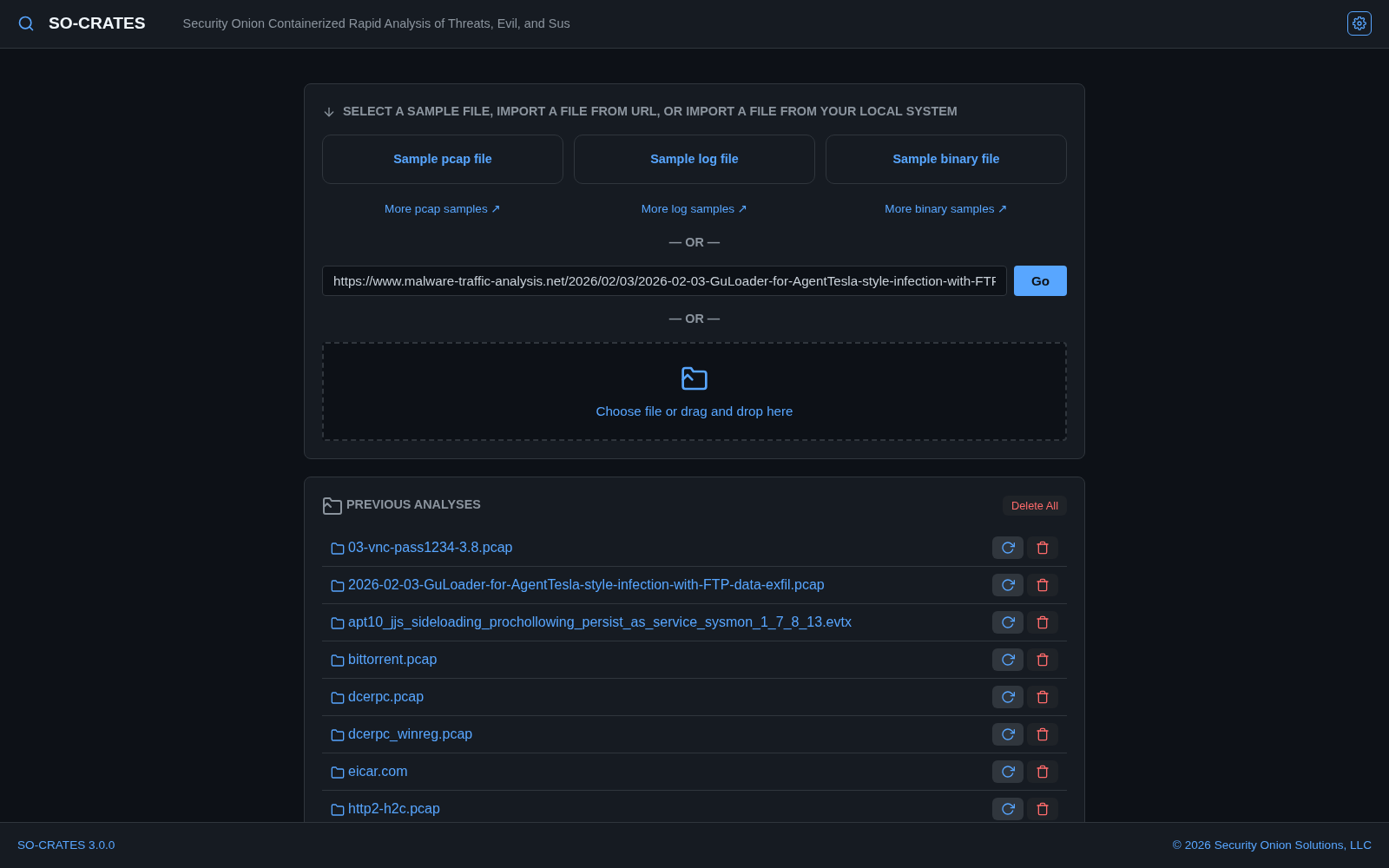
When you dismiss the welcome window, the main screen allows you to upload a file or load a previous analysis:
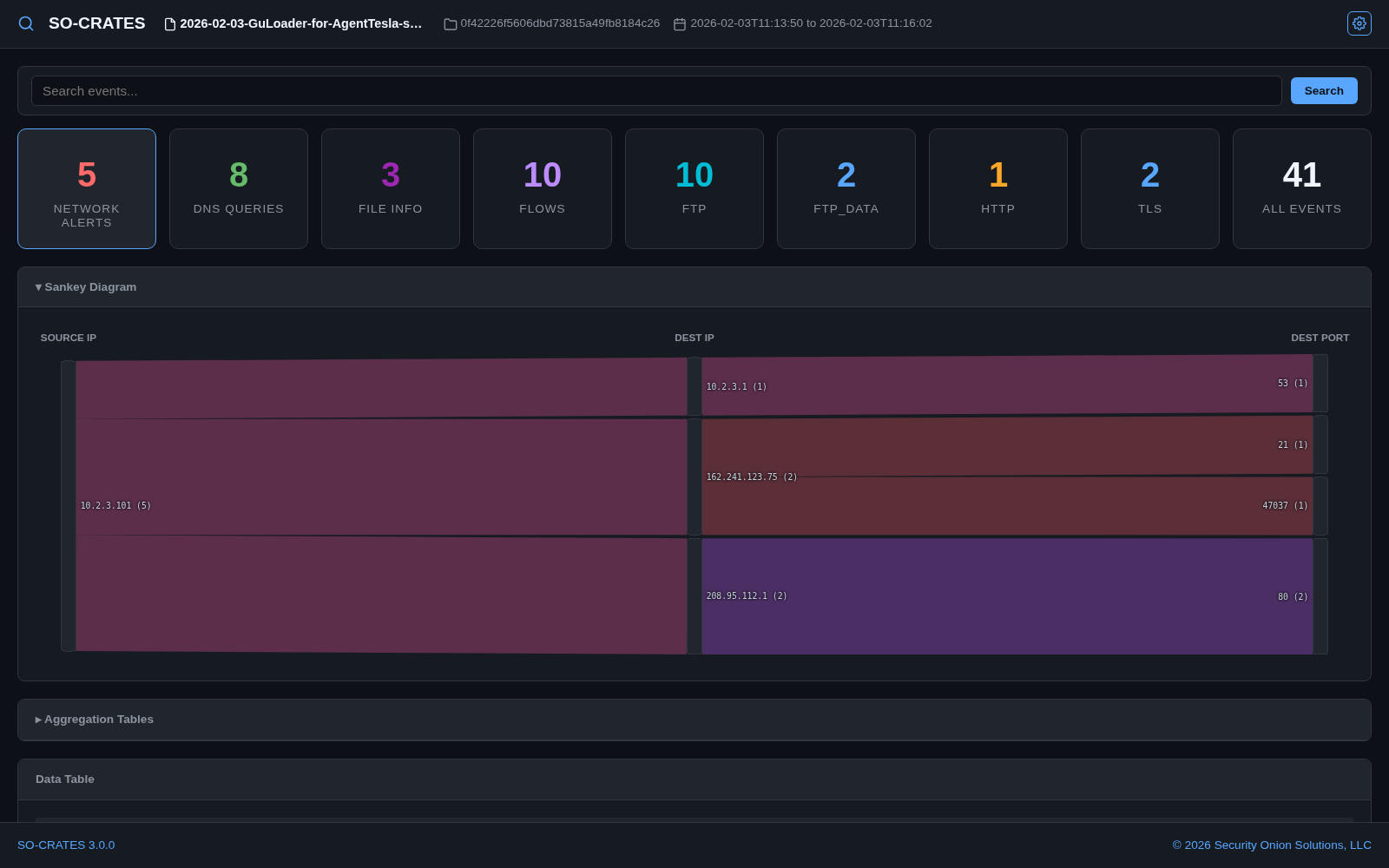
After analysis, you can view network alerts, file alerts, network metadata, and extract streams:
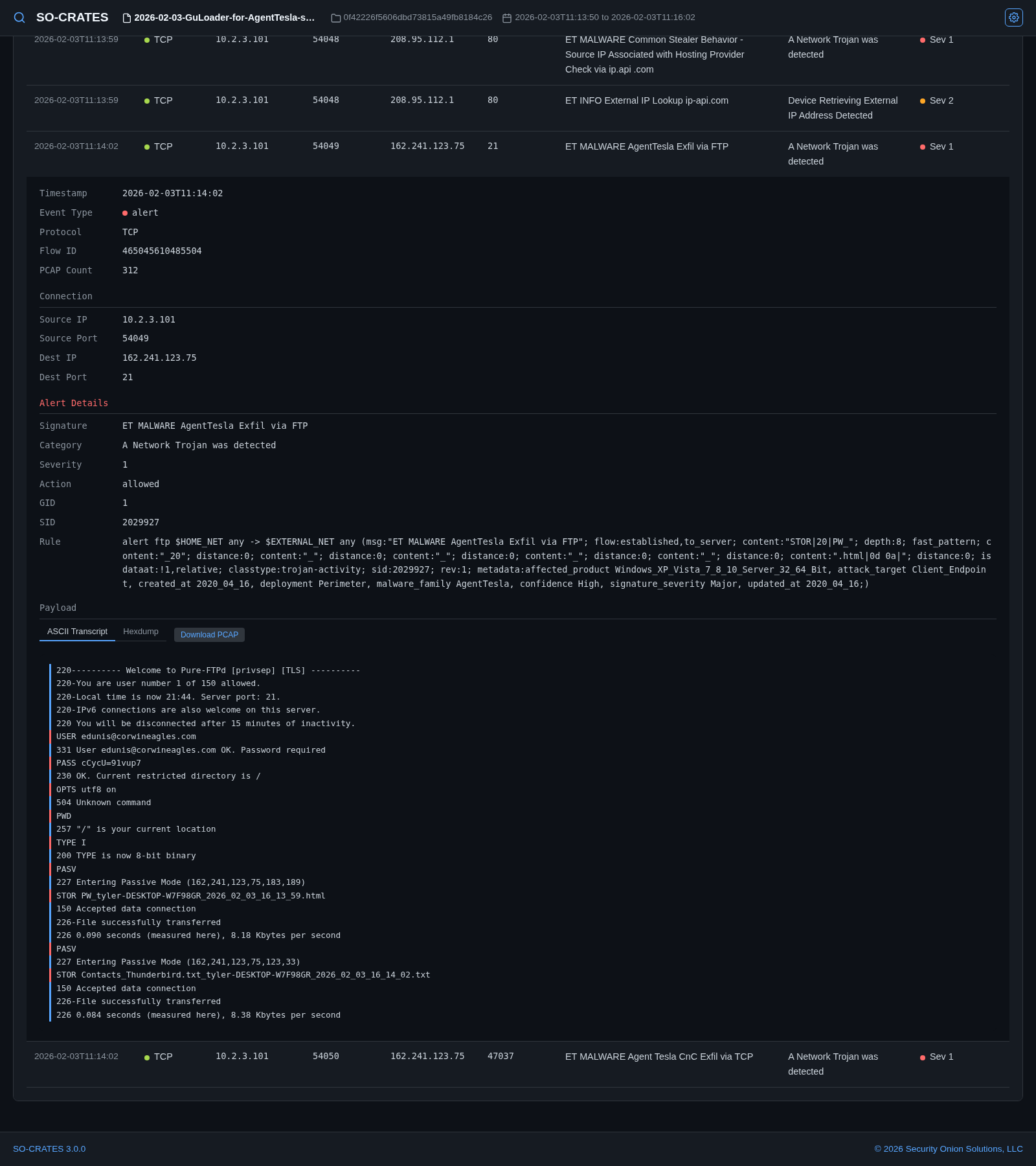
When you find something interesting, you can drill into the row in the data table at the bottom. This will allow you to see the ASCII transcript:
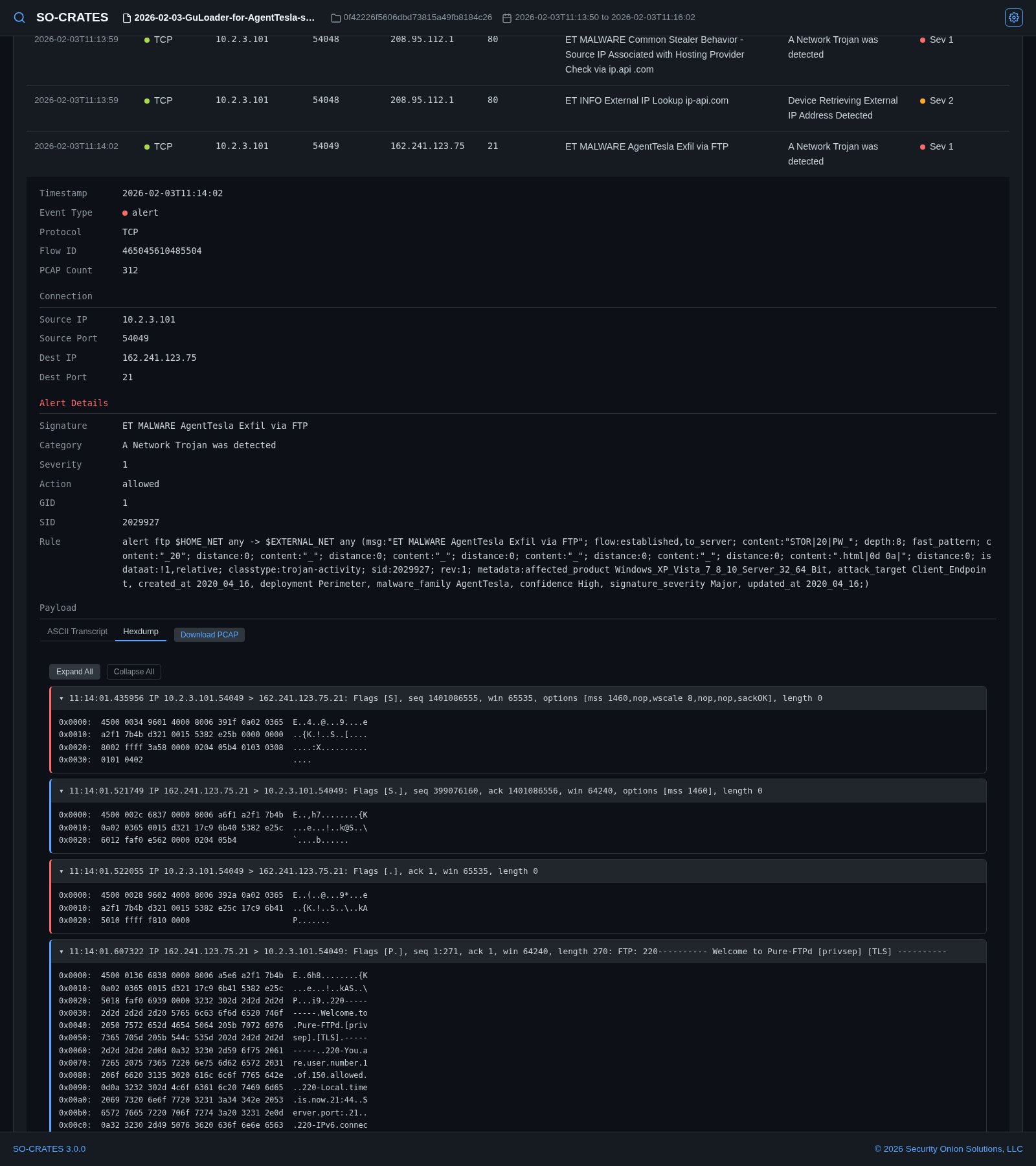
You can also select the hexdump view:
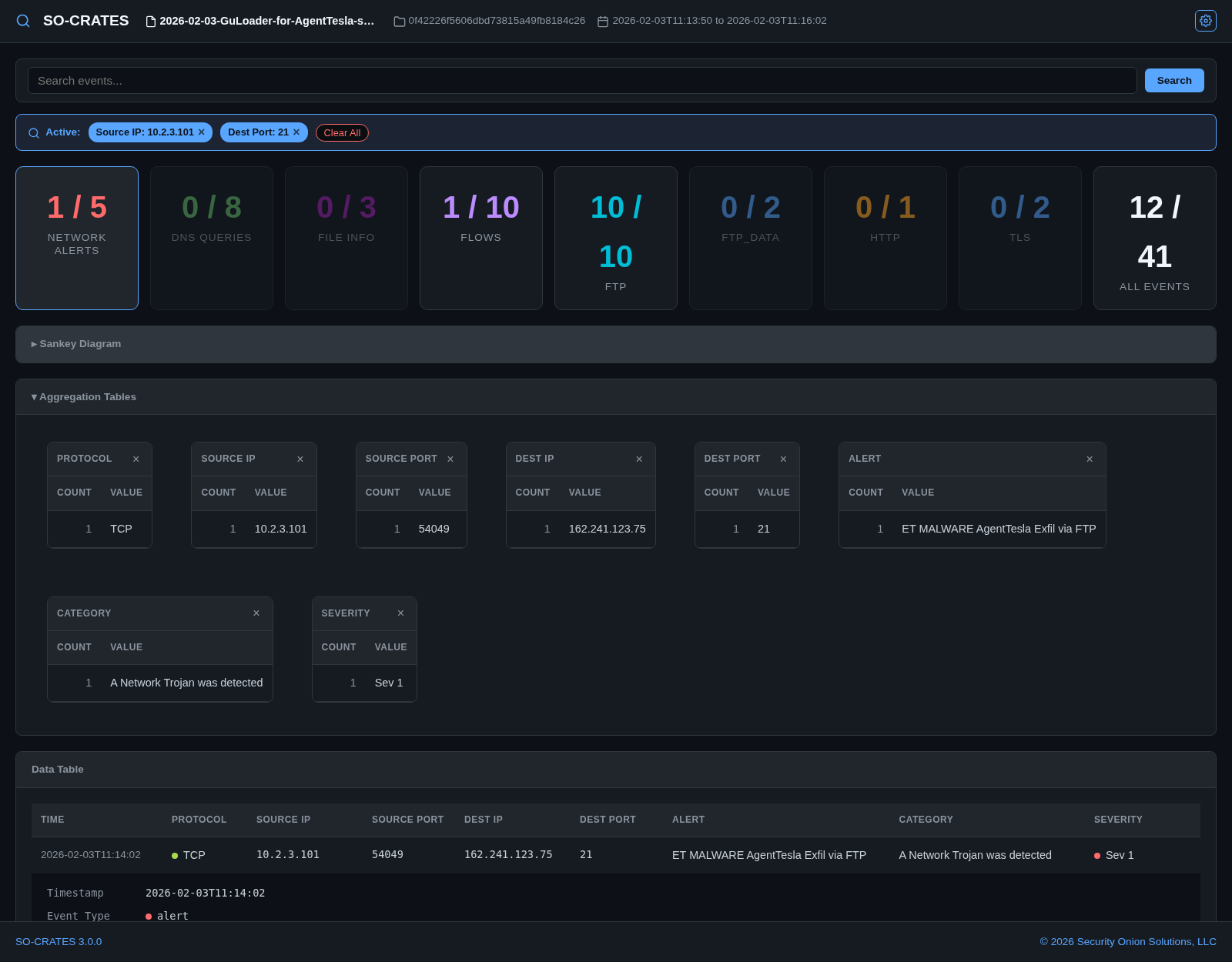
To slice and dice your data, expand the Aggregation Tables section and click on values that you want to filter for: